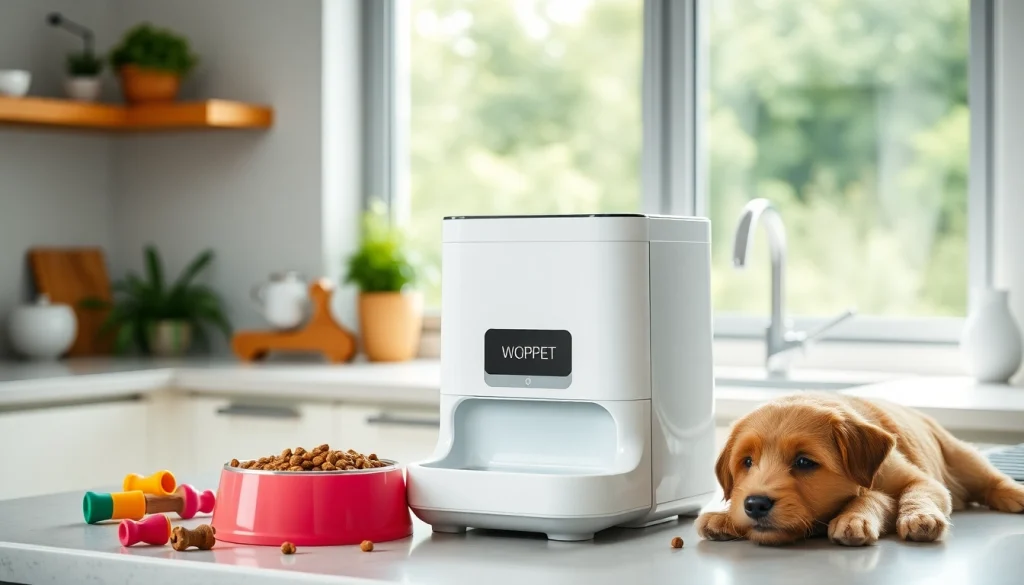
Understanding the WOPET Automatic Pet Feeder
What is an Automatic Pet Feeder?
An automatic pet feeder is a smart device designed to dispense pet food on a scheduled routine, facilitating convenient feeding without requiring owner intervention. This innovative technology not only simplifies the daily care of pets but also ensures that pets receive their meals at consistent times, which is crucial for their health and wellbeing. Automatic feeders come equipped with various features such as programmable meal schedules, portion control, and even smartphone connectivity in modern models.
Key Features of the WOPET Automatic Pet Feeder
The WOPET automatic pet feeder is at the forefront of pet feeding technology, combining thoughtful design with practicality. Here are some of its standout features:
- Programmable Feeding Schedule: Pet owners can set up to four meals a day, tailored to their pet’s dietary requirements.
- Portion Control: The feeder allows precise portioning, from 1 to 39 portions per meal, ensuring that pets aren't over or underfed.
- Voice Recording: Owners can record a personalized message to call their pets for meal times, which can enhance the feeding experience.
- WiFi Capability: Many models, such as the WOPET Patrol, can connect to WiFi, enabling remote control over meal settings via a smartphone app.
- Large Food Storage: With a capacity of up to 6L, these feeders minimize the frequency of refilling, allowing for longer use between maintenance.
Advantages of Using WOPET for Pet Feeding
Choosing the WOPET automatic pet feeder not only brings convenience but also several advantages that enhance both pet health and owner peace of mind:
- Consistency in Feeding: WOPET ensures that your pet receives food at the same time each day, which helps to regulate their digestion and maintain a healthy feeding schedule.
- Remote Monitoring: With connected models, owners can monitor their pet's eating habits, even when they're not home, addressing concerns such as overeating or lost appetite.
- Ease of Use: The intuitive interface makes programming meal schedules and portions straightforward, making it accessible even for non-tech-savvy users.
- Health Management: By adhering to portion sizes and feeding times, the feeder actively participates in managing your pet's weight and overall health.
Setting Up Your WOPET Automatic Pet Feeder
Unboxing and Initial Setup Instructions
Setting up your WOPET automatic pet feeder is a simple process. Upon unboxing, you will generally find the feeder unit, a power adapter, and a user manual. Follow these steps for initial setup:
- Place the feeder on a flat surface to avoid spills.
- Connect the power adapter to the feeder and plug it into an outlet.
- Open the food storage compartment and fill it with your pet’s favorite dry kibble, avoiding overfilling to ensure proper functioning.
- Set up the food dispensing mechanism by following the manual’s instructions.
Connecting to the WOPET App for Enhanced Controls
Once the feeder is set up physically, connectivity can enhance your experience significantly. Here’s how to connect your WOPET automatic pet feeder to the corresponding app:
- Download the WOPET app from the App Store or Google Play Store.
- Create an account or log in if you already have one.
- Follow the in-app instructions to connect the feeder to your WiFi network.
- Once connected, you’ll be able to control feeding schedules and portion sizes remotely from your smartphone.
Programming Feeding Schedules and Portion Sizes
Programming your pet’s feeding times and portion sizes is critical for optimal nutrition. Within the WOPET app or directly on the unit, you can:
- Select and adjust feeding times to ensure your pet is fed consistently, even when you're not home.
- Set portion sizes based on your pet's dietary needs, which can help manage weight and health effectively.
- Monitor and make changes to the schedule as needed, adjusting for any changes in routine or diet.
Best Practices for Using the WOPET Automatic Pet Feeder
Regular Maintenance Tips for Optimal Performance
To keep your WOPET automatic pet feeder functioning perfectly, regular maintenance is essential. Here are some best practices:
- Clean the Feeder: Regularly clean the food and water compartments with warm, soapy water to prevent buildup and ensure hygiene.
- Check for Jams: Periodically inspect the food dispensing mechanism for any jams or clogs that might occur from food buildup.
- Monitor Battery Levels: For models that operate on batteries, check battery life regularly, especially if using the feeder while traveling.
Adapting Feeding Times for Different Pets
If you have multiple pets or pets with varying dietary needs, adapting the feeding protocol is crucial. Here’s how to optimize feeding for different pets:
- Separate Feedings: Utilize different feeding schedules for each pet if they have different dietary needs or portions.
- Monitor Interactions: Keep an eye on how pets interact during feeding times and adjust their feeding areas if necessary to prevent food aggression or stress.
- Communication with Vet: Consult your veterinarian for specific recommendations tailored to each pet's needs, especially in cases involving health issues.
Safety Features and Precautions to Consider
Safety is paramount when using any electronic device for pets. The WOPET automatic pet feeder incorporates several safety features:
- Anti-jam Technology: This prevents food from getting stuck in the dispenser, avoiding missed meals or upset stomachs.
- Low Food Indicator: Many WOPET feeders alert you when food levels are low, ensuring your pet doesn't go hungry.
- Secure Lid Design: The feeder’s lid design is meant to prevent accidental opening by pets, ensuring food remains fresh and secure.
Customer Insights and Experiences
Testimonials from WOPET Automatic Feeder Users
Feedback from users of the WOPET automatic pet feeder illustrates the impact it has made on their lives. Many pet owners express gratitude for the convenience and reliability of the device. For example, one user highlighted how the feeder helped her manage her two dogs’ feeding schedules effectively, reducing mealtime fights and maintaining peace in the home.
Common Issues and Solutions Reported by Owners
While generally well-received, some users have reported issues that can be addressed with proactive solutions:
- Food Jamming: If food jams occur, owners can ensure they’re using kibble suited for the feeder. Larger pieces of food may cause operational issues.
- Setup Complications: Some find initial app connection challenging; ensuring that the feeder is within range of WiFi with no obstacles can improve connectivity.
- Maintaining Power Sources: Regular battery checks or using the charger when available can help avoid device shutdown issues.
How WOPET Stands Against Competitors
The pet feeder market is competitive, with various brands offering automatic feeders. However, WOPET shines in several areas:
- Price Point: WOPET offers a range of feeders from budget-friendly to premium options, catering to various consumer needs without compromising quality.
- Innovative Features: Compared to competitors, WOPET’s app integration and programmable settings stand out, providing a higher level of control and convenience for pet owners.
- Customer Service: Positive customer service experiences frequently discussed online indicate that WOPET provides support to resolve issues quickly.
Maximizing the Benefits of Your WOPET Automatic Pet Feeder
Integrating with Other WOPET Products
WOPET offers a variety of pet care products that work excellently in tandem with their automatic feeders. For example, pairing your feeder with a WOPET pet water fountain ensures that your pet has access to fresh water at all times, enhancing their overall wellbeing.
Best Practices for Transitioning Pets to Automated Feeding
Transitioning a pet from traditional feeding to an automated system can take some time. Here are strategies to ease this transition:
- Gradual Introduction: Start by using the feeder for a single meal while continuing to feed them traditionally for other meals.
- Monitoring Behavior: Observe how your pet reacts to the new feeding system, as some pets may require more time to adjust.
- Positive Reinforcement: Encourage your pet with praise or treats when they successfully use the new feeder to create a positive association.
Long-term Costs and Savings with Automatic Feeders
Investing in a WOPET automatic pet feeder can lead to significant long-term savings. Consider the following:
- Cost-Effective Feeding: Buying food in bulk is more economical than smaller purchases; an automatic feeder can help you manage purchasing schedules better.
- Reduced Waste: By controlling portions more precisely, food waste is minimized, ultimately saving money spent on pet food.
- Time Savings: Automating feedings saves time for pet owners, allowing you to focus on other activities or spend quality time with your pet.